







VAPEQ10’s Geek Bar brand page is one place to start, but the brand page alone is not enough to place an order. Open the exact product page and read the model name, nicotine strength, selectable option, seller contact and policies, and the delivery information available for your destination before you pay. The current Geek Bar Pulse 15K listing states 5% nicotine and shows “Random flavors” as the product option. A long flavor list, therefore, does not promise that you can choose one named flavor.
Keep two decisions separate. Before payment, decide whether the listing is specific enough for what you want. After delivery, inspect the individual package and use its GEEK BAR security code on www.geekbar.com. A detailed product page can help you avoid an ordering mistake, but it cannot verify a package that has not arrived yet.
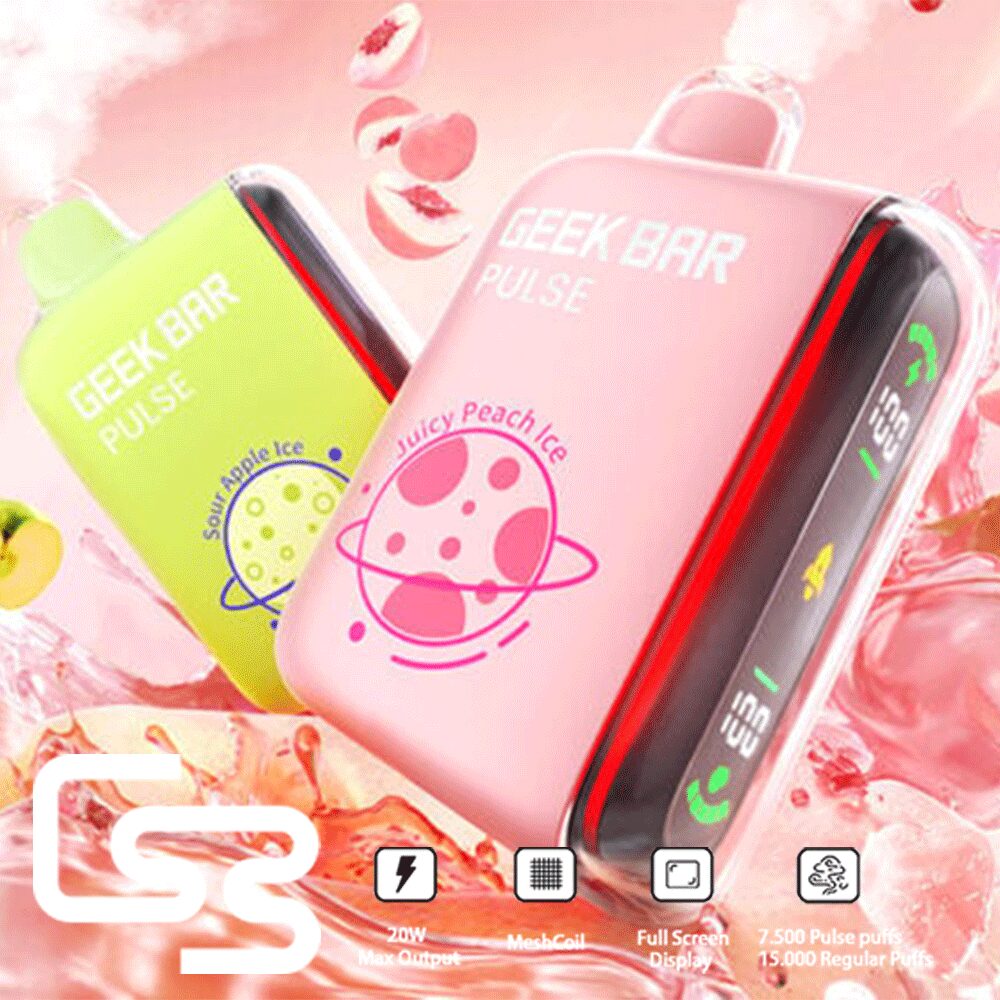
Use the brand page as a starting point
You can browse the Geek Bar models currently listed on VAPEQ10 to see which product pages are available. Think of it as a directory. The details that decide an order belong on the individual listing.
This matters even when the brand name is familiar. “Geek Bar” does not identify one device, one nicotine strength, or one order option. A buyer can recognize the brand and still choose the wrong configuration by stopping too early.
Once you reach a model, read the product page from the title down to the option field. The main image and a list of flavor names may describe the range, but neither one necessarily tells you what the order control will send.
Read the product page like an order form
The most useful listing is not the one with the longest description. It is the one that makes the actual order clear. Four details deserve attention before anything goes into the cart.
Match the full model name
Read the title, specification section, and selectable fields as one record. For VAPEQ10’s current example, use the Geek Bar Pulse 15K product details instead of carrying information over from another Geek Bar model. If one part of the page appears to describe a different device, pause and ask the seller to clarify.
Treat nicotine strength as part of the product
The current Pulse 15K page states 5% nicotine. That is an order detail, not a footnote. Someone looking for another strength should not assume it exists because a different Geek Bar product or market uses one. If the page does not offer another strength, the sensible reading is that it is not available from that listing.
Let the selectable option overrule the flavor list
A description can name many flavors while the order field says “Random flavors.” In that situation, the list shows possible flavor directions, not a menu of guaranteed choices. If one particular flavor is essential, a random-flavor option does not fit the purchase unless the seller gives a clear, written answer about how that choice is handled.
Find the terms that matter to your order
Look for a usable contact route, the store policies that apply to the purchase, and delivery information for your destination. Do not fill in missing terms from another shop or from a previous order. If a missing answer would change whether you buy, ask before paying and keep the reply.
This becomes more important when a small-order buyer wants several units. One vague option can affect the whole order, even when the quantity is modest.
What you can know before and after delivery
| Stage | Useful evidence | Decision it supports | What it cannot prove |
|---|---|---|---|
| Before payment | Exact model, stated nicotine strength, selectable option, contact route, policies, and available delivery information | Whether the listing fits the order you intend to place | Whether a future individual package will pass the brand’s verification process |
| After arrival | Authentication label and security code on the delivered package | Whether that package’s code completes the official GEEK BAR check | Whether you understood an unclear product option before ordering |
The split is practical. A familiar retailer name, a product photograph, or a package color is not an authenticity result. In the other direction, a valid package code cannot turn a random-flavor order into the specific flavor you meant to buy.
Verify the package on the official domain
GEEK BAR’s process starts with the authentication label on the package. After the order arrives, find the label, scratch it as directed, and scan or enter the security code at www.geekbar.com.
Pay attention to the address that opens. Use the brand’s stated domain rather than a similar-looking link from an advertisement or private message. The official verification page says each code can be checked only once, so make the first check on the correct site and read the result carefully.
If the result is unexpected, rule out a typing or scanning error before drawing a conclusion. Taste, device photographs, package color, and the seller’s name are not substitutes for the code process.
A compact buyer checklist
- Start at the brand page, then open the exact model.
- Match the full model name across the listing.
- Read the stated nicotine strength as part of the product choice.
- Use the selectable option, not the flavor list, to understand what can be ordered.
- Accept “Random flavors” only if a random option genuinely suits you.
- Locate contact, policy, and delivery information before payment.
- After arrival, use the package code at www.geekbar.com.
Questions buyers ask before ordering
Where can I buy Geek Bar online?
VAPEQ10 currently has a Geek Bar brand page that can serve as a starting point. Move from there to the exact product listing and base the order on its model, nicotine strength, option selector, seller information, policies, and available delivery details rather than the brand name alone.
Does a flavor list mean I can choose that flavor?
No. A flavor list may describe the wider range without making every name selectable. The current Geek Bar Pulse 15K option says “Random flavors,” so the names in the description do not promise a specific choice. Read the actual order field.
How do I verify a Geek Bar after it arrives?
Find the authentication label on the delivered package, scratch it as directed, and scan or enter the security code at www.geekbar.com. The official page says each code can be checked only once, so use the brand’s stated domain for the first check.
Make the order match the listing
The current Pulse 15K page is a concrete option when the model and 5% nicotine statement suit you and you are comfortable receiving “Random flavors.” If you need a named flavor or another nicotine strength, do not stretch the listing to fit. Ask for a specific answer or choose a product page that states the option you need.
If this Geek Bar configuration does not suit the purchase, the next useful step is to compare vapes similar to Geek Bar and apply the same listing checks to each alternative.
You might be interested in
Fumot RandM Digital Box 12K Display Disposable Vape
$30.99Original price was: $30.99.$10.99Current price is: $10.99.Bang Tornado 12K LED-Light Disposable Vape
$27.99Original price was: $27.99.$7.99Current price is: $7.99.VAPME Shisha 15K Hookah DTL Disposable Vape
$28.99Original price was: $28.99.$7.99Current price is: $7.99.Bang King 25K Dual-Pod Disposable Vape
$27.99Original price was: $27.99.$7.99Current price is: $7.99.Bang 25K LED Display Disposable Vape
$29.99Original price was: $29.99.$9.99Current price is: $9.99.Bang King 30K Double Taste Disposable Vape
$29.99Original price was: $29.99.$9.99Current price is: $9.99.Mr.Goodie 20000 20K Puffs 2% 5% Nicotine Double Warehouser Disposable Vape Pod
$27.99Original price was: $27.99.$7.99Current price is: $7.99.UZY Bang Digital 15K Disposable Vape
$28.99Original price was: $28.99.$8.99Current price is: $8.99.